Click to download now, finish the installation quickly, and directly unlock the all-round experience
Screenshots
Click to download now, finish the installation quickly, and directly unlock the all-round experience
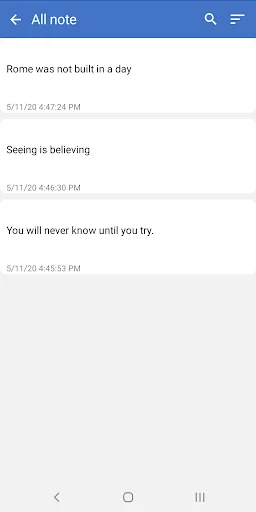
Voice to text turns spoken words into written notes, so it suits people who want to dictate reminders, longer drafts, messages or other everyday text instead of typing everything by hand. You can keep talking for a long note, then edit the result as you go.
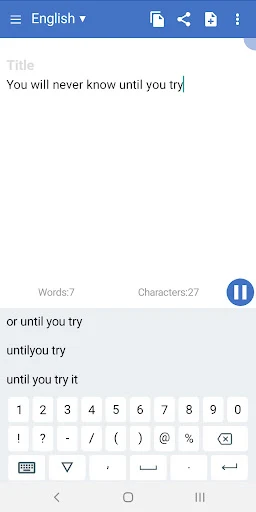
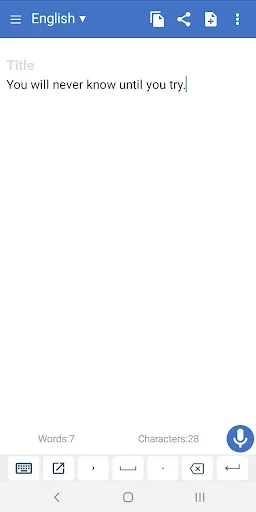
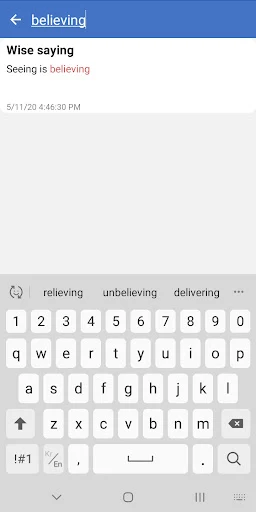
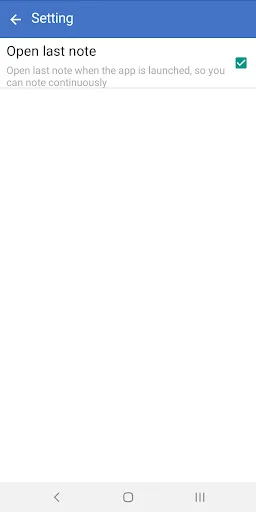
Choose a recognition language and speak; the app displays text and can offer alternative recognition results to choose from. It adds spacing automatically and saves notes as you work. A custom dictionary lets you set replacements for words that speech recognition may not handle the way you want. Word and character counts help when you need to check the length.
This is a focused tool rather than a full writing suite: speak a draft, review the recognized words, correct anything that needs fixing, then share or export it. Recognition still depends on how clearly you speak and how well the selected language suits your voice, so a quick read-through is sensible before sending an important message.
Voice to text is a practical choice if you regularly capture thoughts hands-free or prefer speaking to typing, especially for longer passages. If you only need to jot down an occasional short reminder, your phone’s built-in notes or keyboard dictation may be enough. The Tools app is published by maruar and has a 4.02 rating from 18,246 reviews, with more than 1,000,000 installs.