Click to download now, finish the installation quickly, and directly unlock the all-round experience
Screenshots
Click to download now, finish the installation quickly, and directly unlock the all-round experience
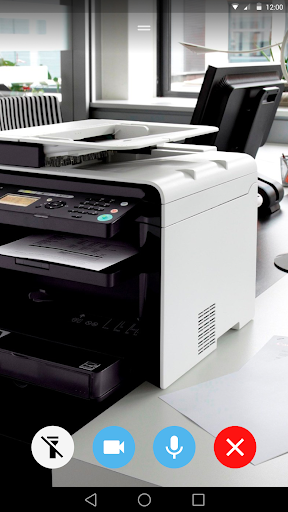
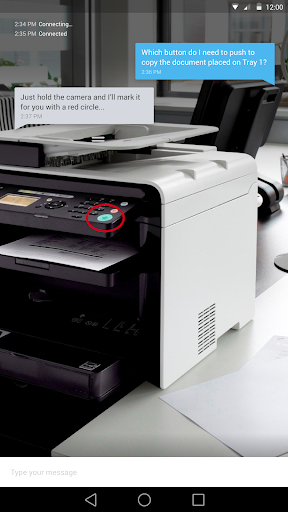
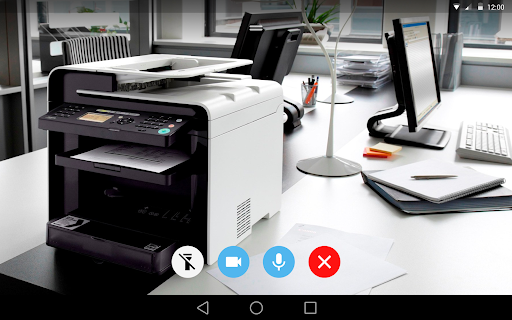
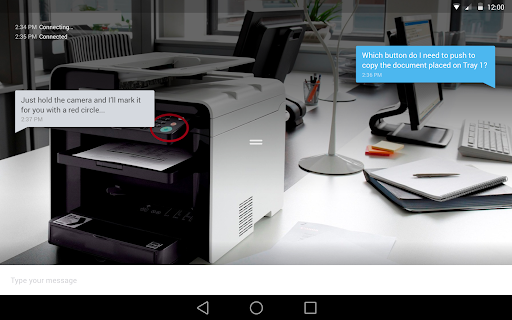
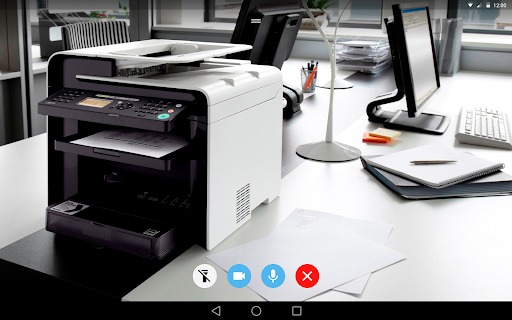
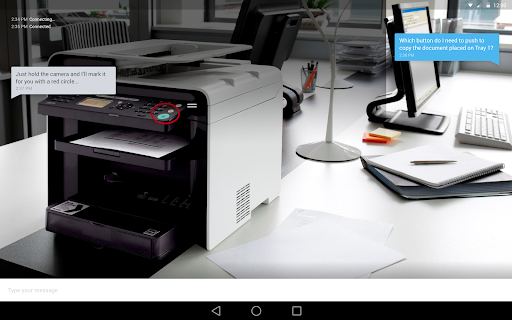
LogMeIn Rescue Lens lets a support agent see a live view from your phone’s camera during a support session. It suits people who have been asked to show a physical issue, a device setup or something on screen that is difficult to describe over the phone. The app also supports audio, so you can talk with the agent while showing them the problem.
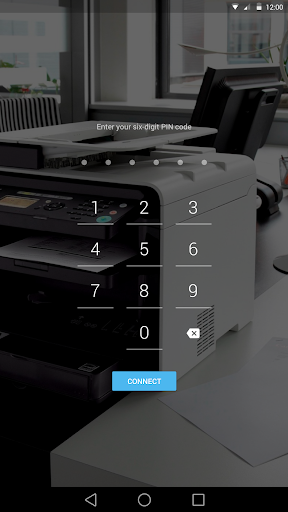
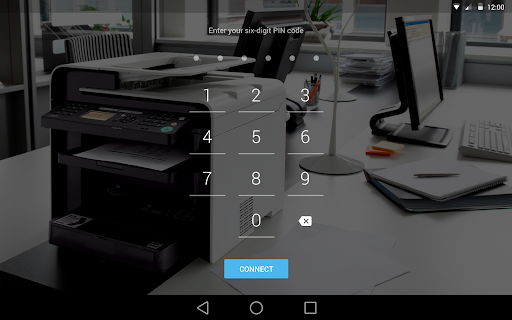
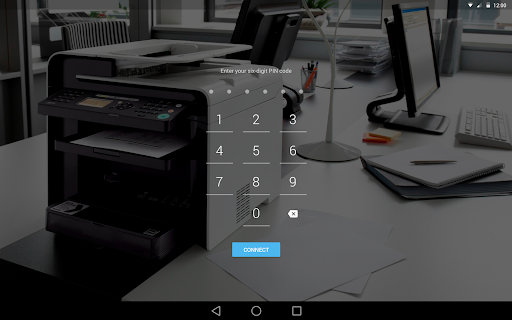
This is not a standalone troubleshooting app or a general-purpose video calling service. You need to be receiving help from an agent who is using LogMeIn Rescue Lens. The agent provides a six-digit PIN to join the session. Camera access is used to show the agent what you point the phone at, with your permission; you control what the camera is directed toward.
Once you have a session PIN, open the app and enter it to connect. Then aim your camera at the item or issue you want the agent to see, and explain what is happening. The app’s value depends on having an active support session: without an agent and a PIN, there is little to do here. If you only need written instructions or can explain the issue clearly, a normal support channel may be simpler.
LogMeIn Rescue Lens is published by GoTo Group, Inc. in the Business category. Its 500,000+ installs suggest it is used in support workflows, while its 3.6-star rating is based on 522 ratings. Those figures are context, not a measure of whether it will help with a particular support request.