Click to download now, finish the installation quickly, and directly unlock the all-round experience
Screenshots
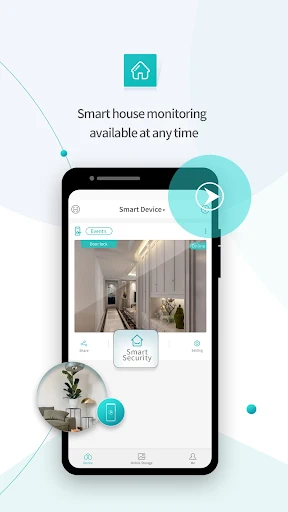
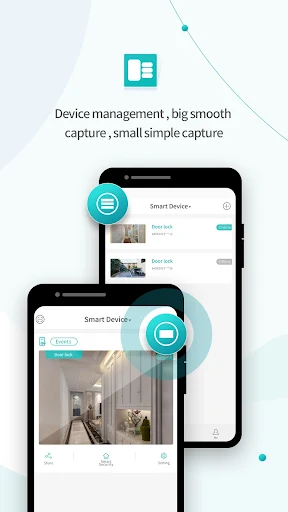
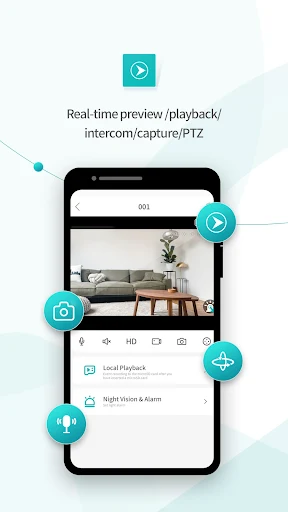
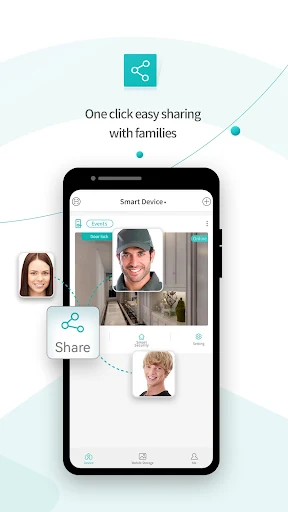
Click to download now, finish the installation quickly, and directly unlock the all-round experience
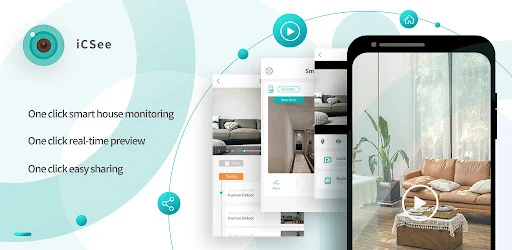
iCSee connects an Android phone to compatible security cameras and other supported devices, so you can view live video and control the device from the app. It is for people who already have hardware that works with iCSee and want a phone-based way to check its view or use its available controls. It is not a camera on its own; you need a compatible device to connect.
The app can access a device using its cloud ID. Once connected, you can preview the live feed on your Android device and control the hardware where those controls are supported. The catalogue description names camera styles such as robot and bullet cameras, as well as doorbells and door locks. Which features you can use depends on the particular device, so check that it supports iCSee before relying on a specific control.
You will need the cloud ID for the device you want to use. The main task is pairing the app with that hardware and opening its live view; iCSee is most useful when you want to check a camera or operate a supported device without being beside it. If you only need to watch video from a basic, unsupported camera, this app may not be the right fit. A simpler option may be the viewing app supplied for that camera, if it has one.
iCSee is listed in Tools and is developed by Zhejiang JAIFY Co., Ltd. It has more than 10 million installs and a rating of about 4.0 from 265,282 ratings. Those figures suggest broad use, but compatibility with your own camera or smart device is the key question to settle first.