
Fine Lock (only for Samsung)
YUH APPS
Downloads
10,000,000+
Source
Google Play
Click to download now, finish the installation quickly, and directly unlock the all-round experience
Screenshots
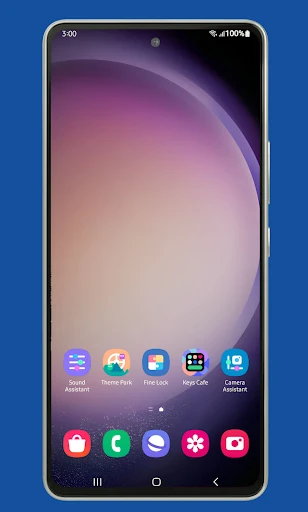
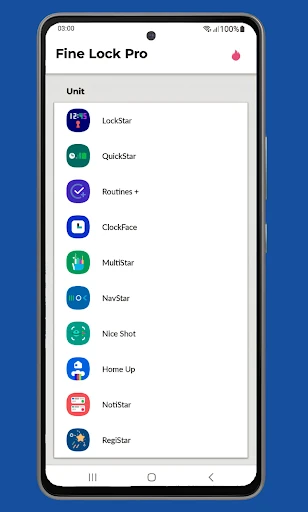
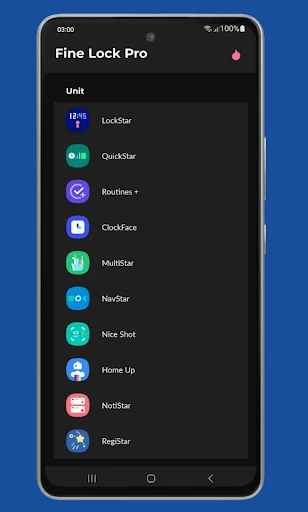
Click to download now, finish the installation quickly, and directly unlock the all-round experience
Fine Lock is a launcher for Samsung users who want one place to find and open Good Lock and Galaxy Labs modules. It suits people who already use Samsung’s customization tools, especially when those modules are not easy to find in the app drawer. Fine Lock organizes access to them; it is not itself a replacement for the modules.
The app presents available modules in a central list and can hide ones you have not installed. You can also add shortcuts to individual modules on your home screen. An update checker can help you keep track of module updates, though you still need to manage the modules themselves. The interface is focused on finding and launching tools, rather than offering a broad set of customization controls inside Fine Lock.
Fine Lock can change the wallpaper according to the phone’s Dark or Night mode schedule. That may be handy if you want the appearance of your home screen to shift with the system theme. The main limitation is clear: this is for Samsung devices and depends on the Samsung customization ecosystem. If you use another Android brand, or only want to change a wallpaper, a general personalization app is likely a better fit.
Pick Fine Lock if you have a Samsung phone and want a tidy way to access Good Lock or Galaxy Labs modules. It has a 4.65 rating from about 54,000 reviews and more than 10 million installs. The developer is YUH APPS. If you do not use those modules, Fine Lock may add an extra layer without solving a problem you have.