Twilight: Blue light filter
Petr Nálevka (Urbandroid)
Downloads
10,000,000+
Source
Google Play
Click to download now, finish the installation quickly, and directly unlock the all-round experience
Screenshots
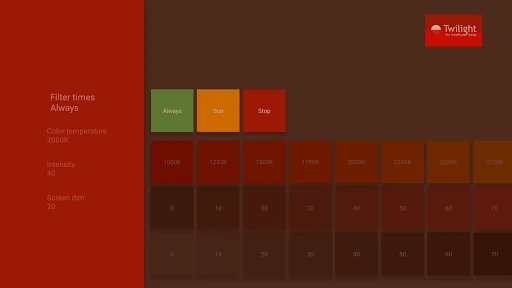
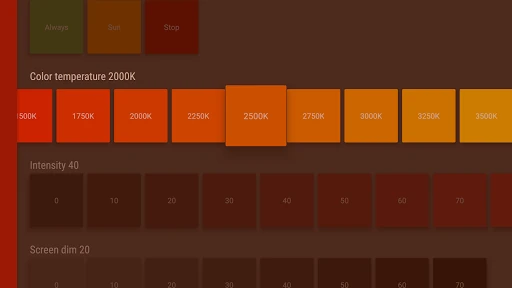
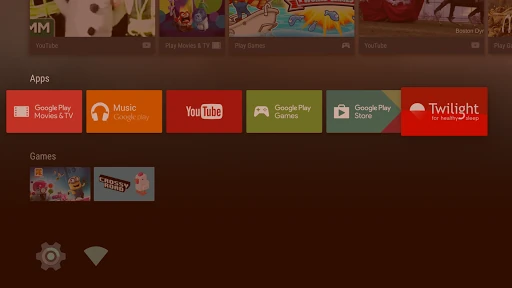
Click to download now, finish the installation quickly, and directly unlock the all-round experience
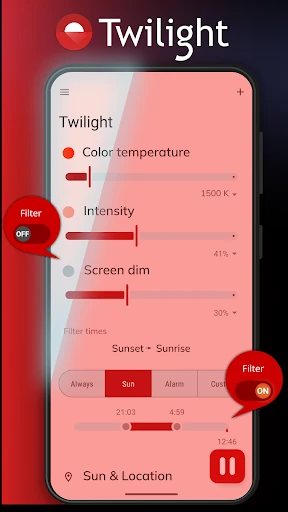
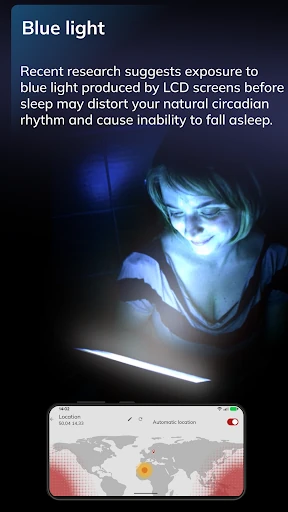
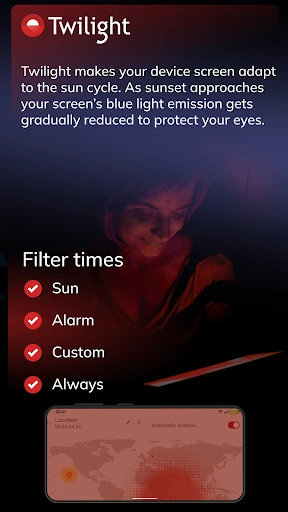
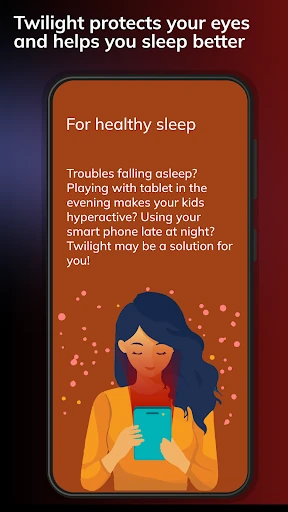
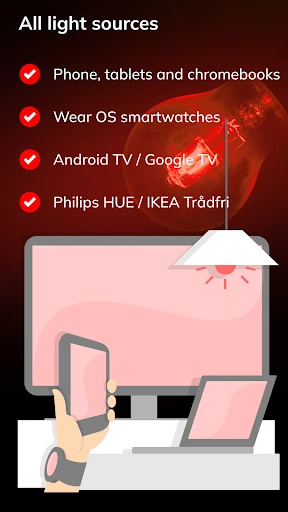
Twilight: Blue light filter changes the colour of your Android screen, shifting it toward warmer tones in the evening. It suits people who read, browse or use apps after dark and want the screen’s colour to adjust without changing it by hand each night. The app is by Petr Nálevka (Urbandroid), in Health & Fitness.
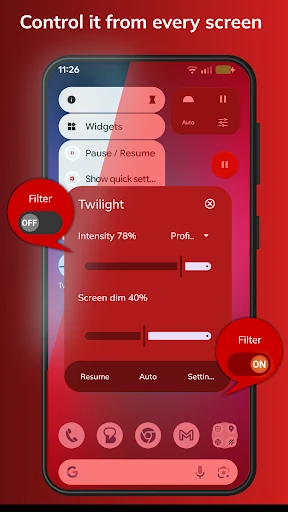
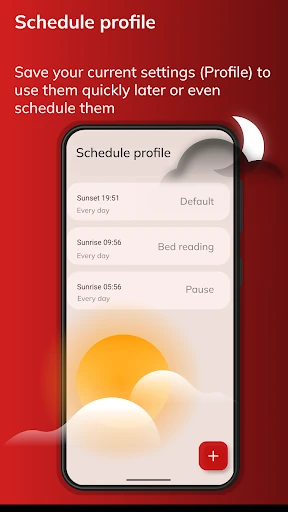
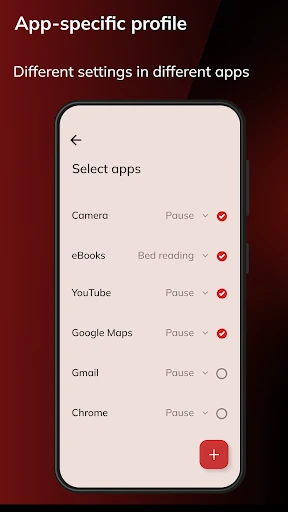
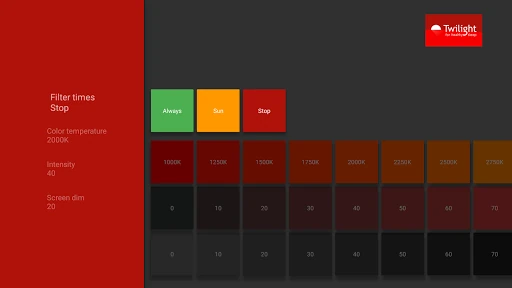
You can adjust the screen tint and dimming, then have the filter follow a schedule tied to sunset and sunrise. That means the display can stay closer to its usual colour during the day and become warmer later. Twilight also offers controls to pause the effect for selected apps, which is useful when accurate colours matter, such as when viewing or editing photos.
There are a few settings to tune, but the main job is straightforward: choose how warm and dim the screen should become, and when. If you only need a warmer screen occasionally, Android’s built-in night display controls may be enough. Twilight is a better fit if you want more control over the transition or app-specific behaviour.
A warmer screen can make nighttime viewing feel less harsh for some people, but Twilight does not treat eye problems or guarantee better sleep. It changes the display appearance; it cannot reduce the time you spend on your phone or replace other sleep habits. Colour-sensitive work may look different while the filter is active, so pausing it can help when colour accuracy is important.
Twilight has a 4.63-star rating from about 443,626 ratings and more than 10 million installs. Those figures suggest it has found a broad audience, though the right choice depends on whether its extra scheduling and filtering controls are useful to you.