Metronome: Tempo
Frozen Ape Pte. Ltd.
Downloads
100,000+
Source
Google Play
Click to download now, finish the installation quickly, and directly unlock the all-round experience
Screenshots
Click to download now, finish the installation quickly, and directly unlock the all-round experience
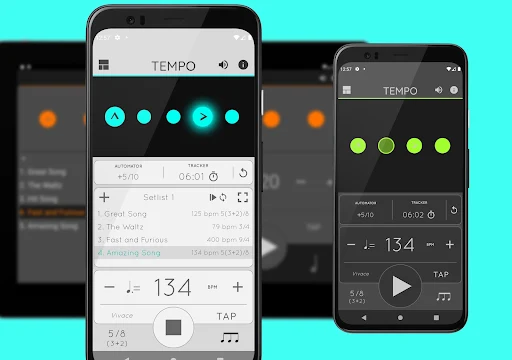
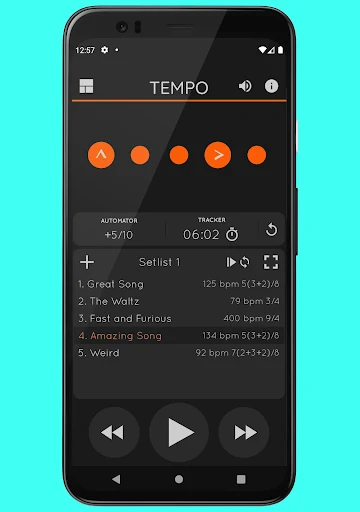
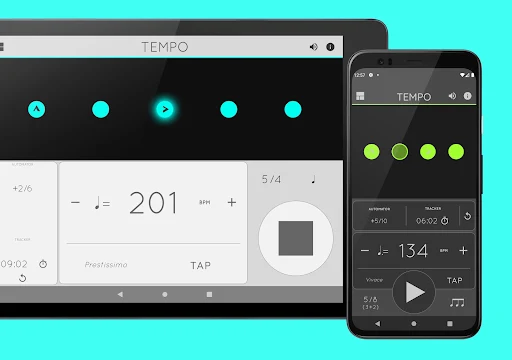
Metronome: Tempo provides a click and visual pulse to help musicians keep time while rehearsing, teaching or preparing to perform. Set a tempo, choose a meter and start playback; it suits players who need more than a single, unchanging beat, as well as learners working through rhythmic patterns.
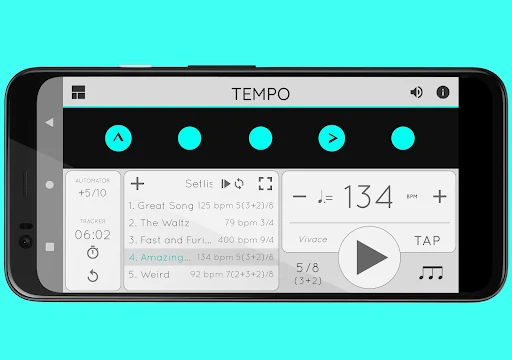
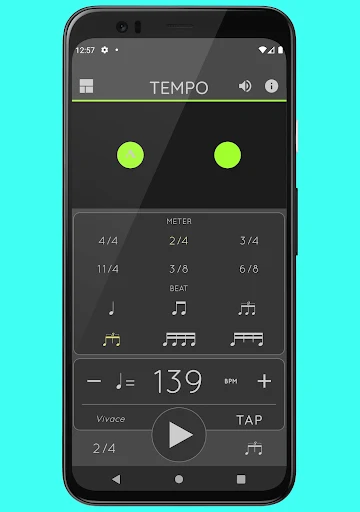
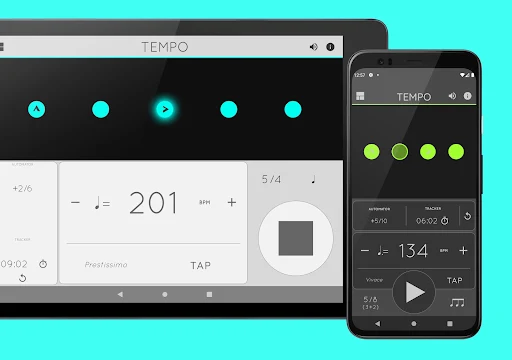
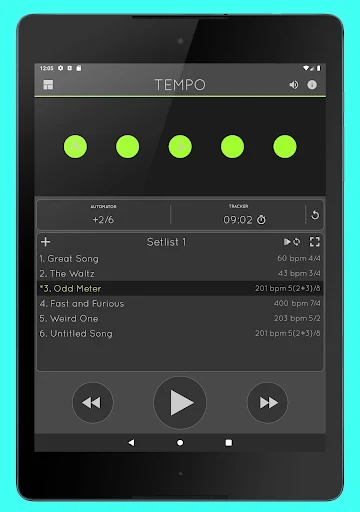
The tempo range runs from 10 to 400 beats per minute. You can tap in a tempo, choose from a range of time signatures and rhythm patterns, then adjust accents or silence individual beats. Pulsing LEDs give a visual cue alongside the sound, which can be useful when listening alone is not enough.
There are 12 sound sets, including one intended for live drumming click tracks. Playback can continue while you use other apps. These options make Tempo adaptable for different instruments and practice settings, though they may be unnecessary if all you want is a plain, steady click.
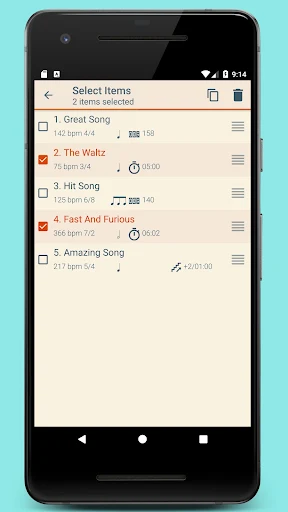
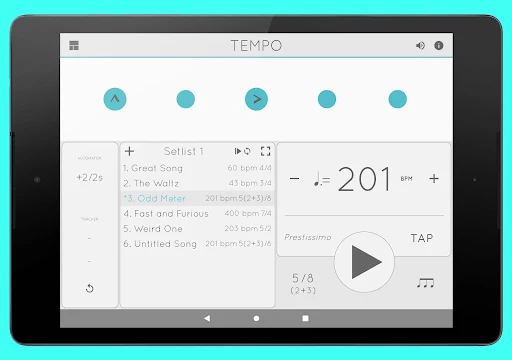
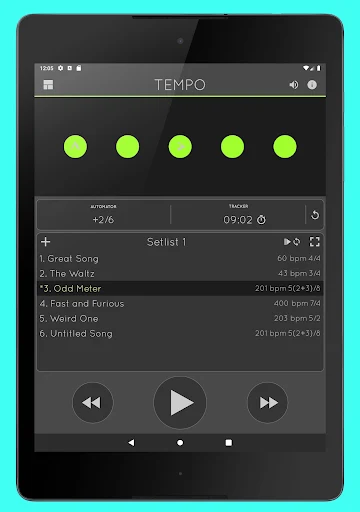
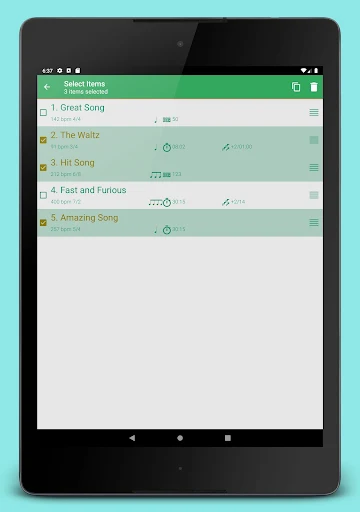
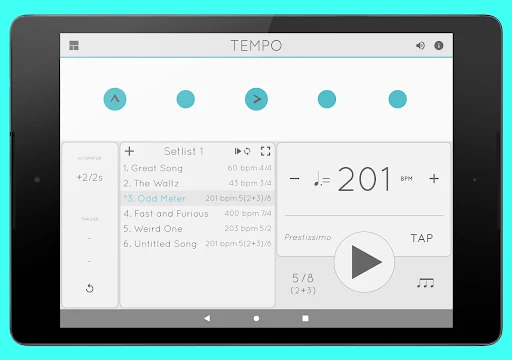
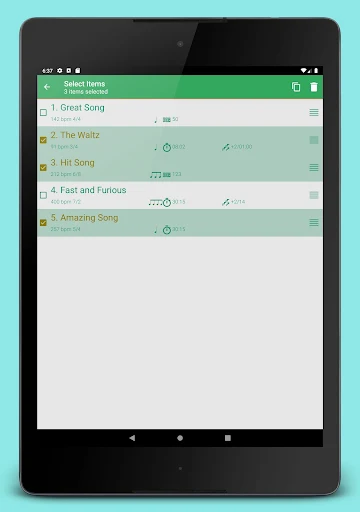
Tempo can save configurations as presets and organize them into setlists. Practice tools track elapsed time or bars played, stop playback at a chosen limit, and can change the tempo at set intervals. Coach Mode alternates between audible and muted bars, letting you check whether you can hold the beat without hearing every click. Those features are most useful for structured practice or performances that move between several tempos.
The app offers different modes for basic use, presets, setlists, practice and gigs. That gives you room to grow into its tools, but may feel like more setup than a beginner needs for occasional practice.
Metronome: Tempo is made by Frozen Ape Pte. Ltd. in Music & Audio. Its 3.66 rating comes from 1,854 ratings, and it has 100,000+ installs. Those figures offer some context, but the right fit depends on whether you will use its meter, setlist and practice controls—or just need a simple beat.