
Figma: view. comment. mirror.
Figma Inc.
Downloads
5,000,000+
Source
Google Play
Click to download now, finish the installation quickly, and directly unlock the all-round experience
Screenshots
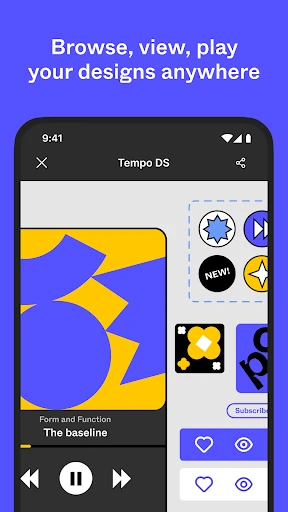
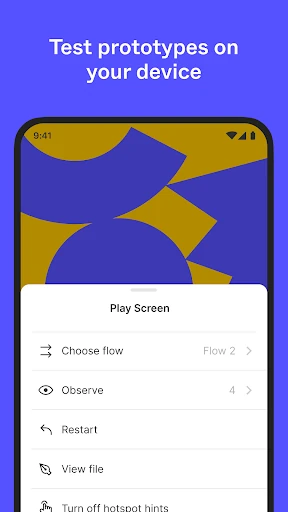
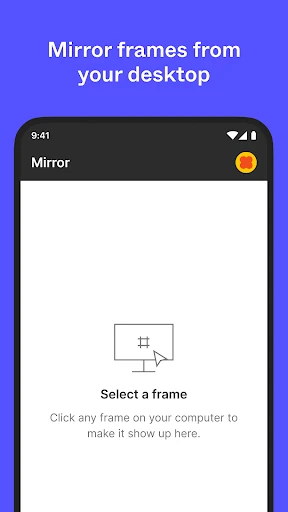
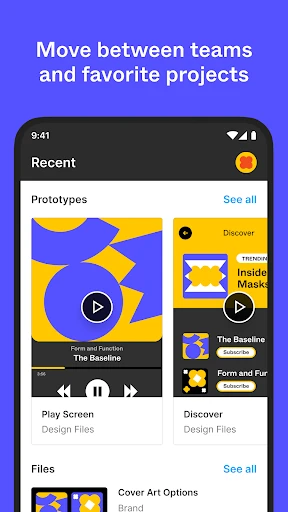
Click to download now, finish the installation quickly, and directly unlock the all-round experience
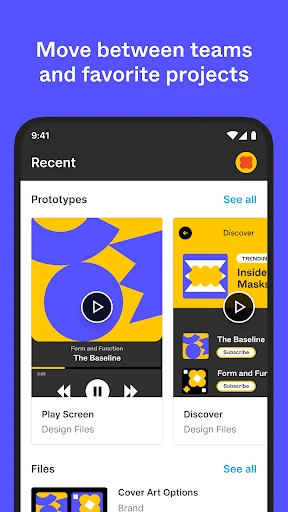
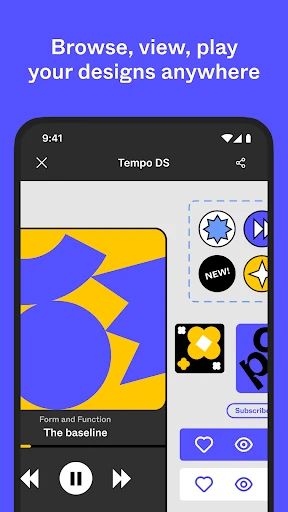
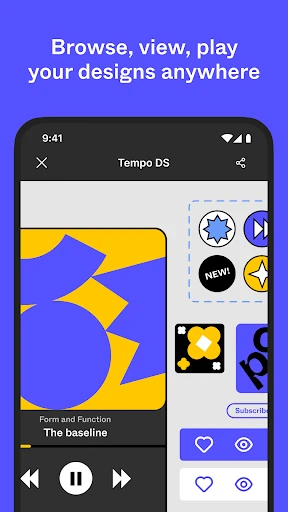
Figma: view. comment. mirror. lets you inspect Figma work on an Android device, try interactive prototypes and mirror selected frames while a design is being updated. It suits designers checking how screens look at phone size, and teammates or clients who need to review work and leave feedback without opening the desktop editor. It is a companion for viewing and collaboration, not a full mobile design editor.
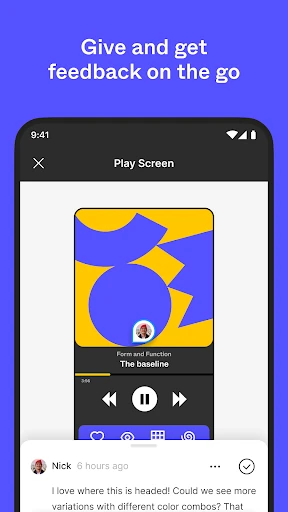
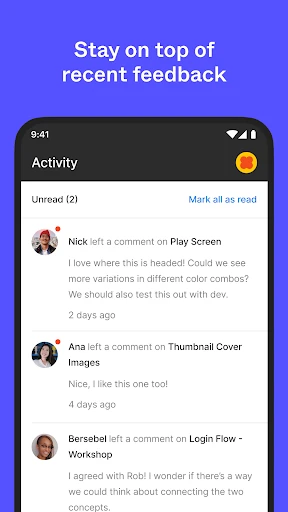
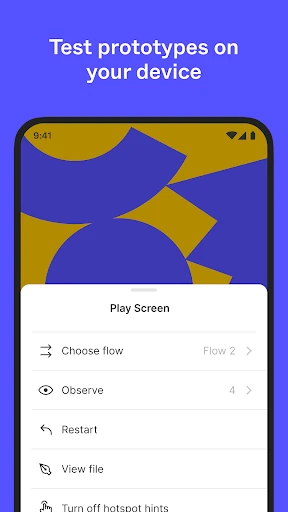
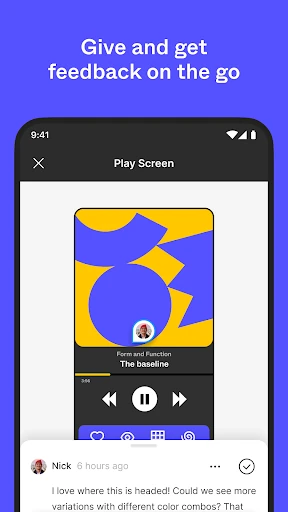
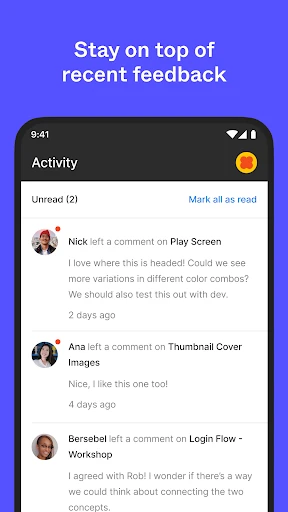
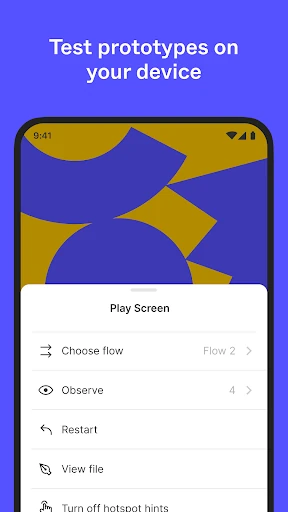
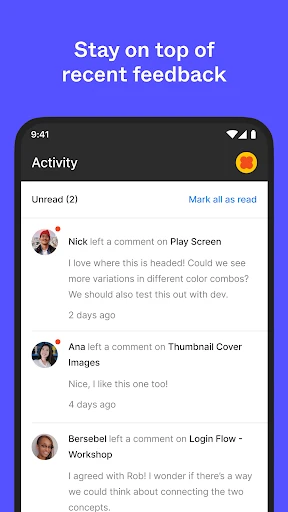
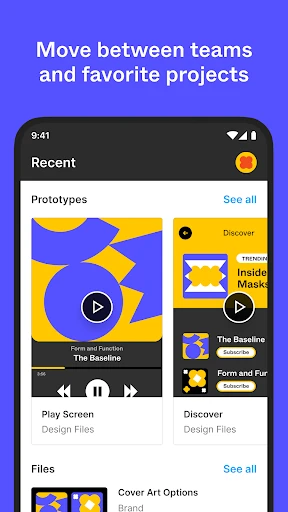
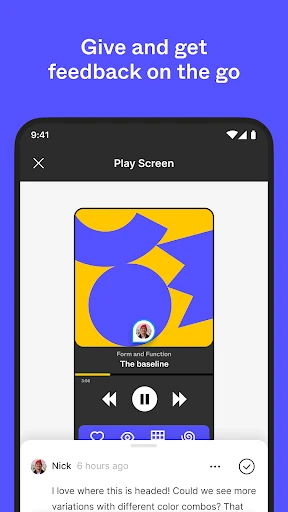
Use the app to browse Figma files and FigJam boards, then open a prototype to follow its linked screens and test a user flow. When something needs attention, you can add a comment, reply to someone else’s note or resolve a discussion. Mentions help direct feedback to a teammate. This can make a quick review easier than collecting notes separately, especially when the question is about a detail visible on a particular screen.
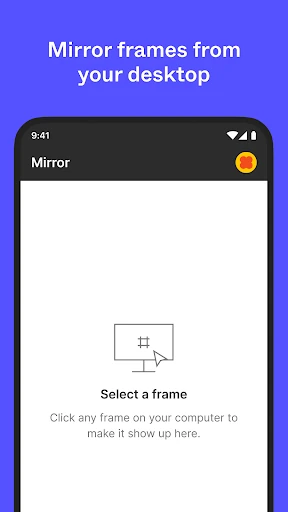
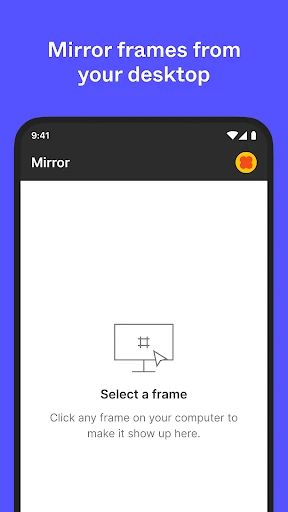
The app is most useful when your work or review already lives in Figma. Mirroring gives you a view of selected frames on the device itself, which helps you judge a mobile layout in its intended setting. For broader design changes, detailed editing or creating files from scratch, use Figma’s desktop tools instead. If you only need to look at a static image, your phone’s gallery may be enough; the app earns its place when you need prototypes, shared files or threaded feedback.
Figma Inc. is the developer. The app is listed in Art & Design and has a 4.3 rating from about 58,957 reviews, with 5,000,000+ installs. Those figures suggest an established audience, but the practical fit is simple: choose it when you need to review or mirror Figma work on Android, rather than build a complete design there.